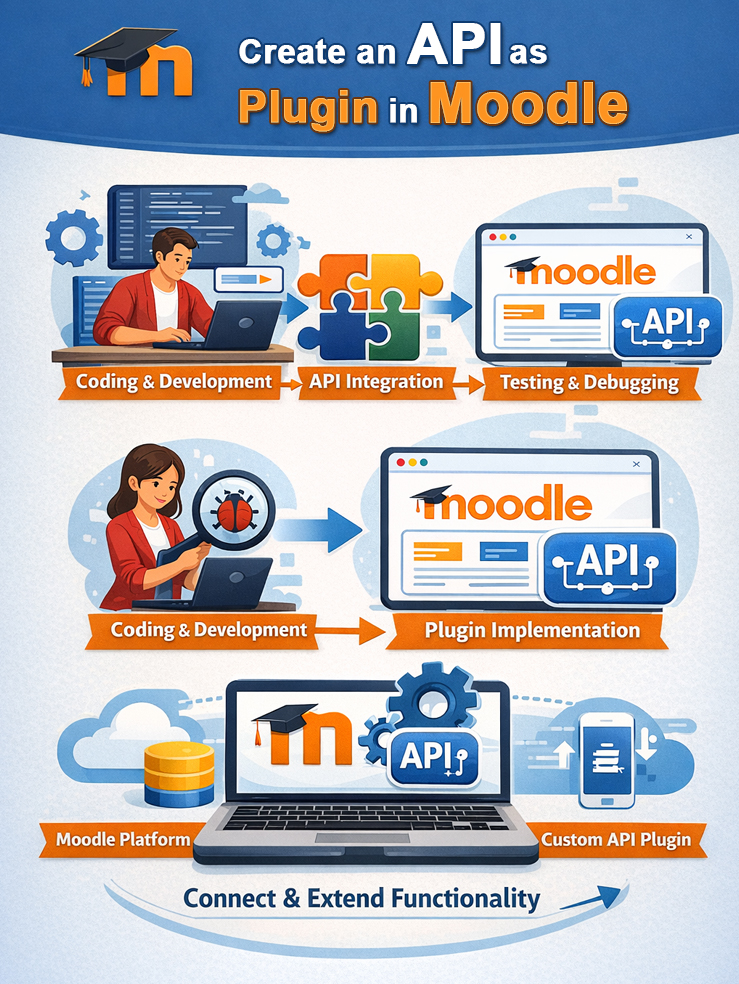
Creating custom plugins for Moodle is necessary to enhance functionality, customize the interface, and integrate the system with specific institutional needs not available in the standard installation. Plugins allow the addition of unique features such as new quiz types, payment integration, custom reports, or collaboration tools (e.g., H5P, Attendance) to create a more interactive and efficient e-learning experience.
Here are the reasons why you should create a Moodle Plugin:
Custom Functionality Enhancements: Plugins like Attendance or Custom Certificates add capabilities not found in the core Moodle platform.
Theme & Appearance Customization: Modify Moodle’s design to make it more appealing and align with your institution’s branding using theme plugins like Adaptable.
External System Integration: Connect Moodle with external systems, such as payment gateways (e.g., iPaymu) or local monitoring tools.
Interactive Content: Add new types of learning activities, such as interactive simulations with H5P.
Data Analytics & AI: Leverage AI to automate assessments or analyze student learning behavior.
Custom plugins can be searched for, downloaded, and installed directly from the Moodle plugin directory. But for special needs that suit the company’s needs, a special plugin needs to be created.
Here are the types of plugins typically created to enhance LMS performance:
Activities: Add new learning activity types, such as H5P or Attendance.
Blocks: Visual elements in the page margins to display additional information such as course lists or calendars.
Themes: Change the Moodle interface design to make it more attractive and professional.
Enrollment: Manage how students register or log in to courses.